














Good AI trainer onboarding comes down to setup and routine. Before your first task, check that you can log in with the right email and that you have accepted every invitation. Install any required tools and read the project guidelines in full. Then work in focused blocks, track your time honestly and check quality before you submit. Most early problems start with skipped guidelines.
Checked: 13 Oct 2026. Independent, not affiliated with any platform. Follow your project’s own instructions wherever they differ from this guide.
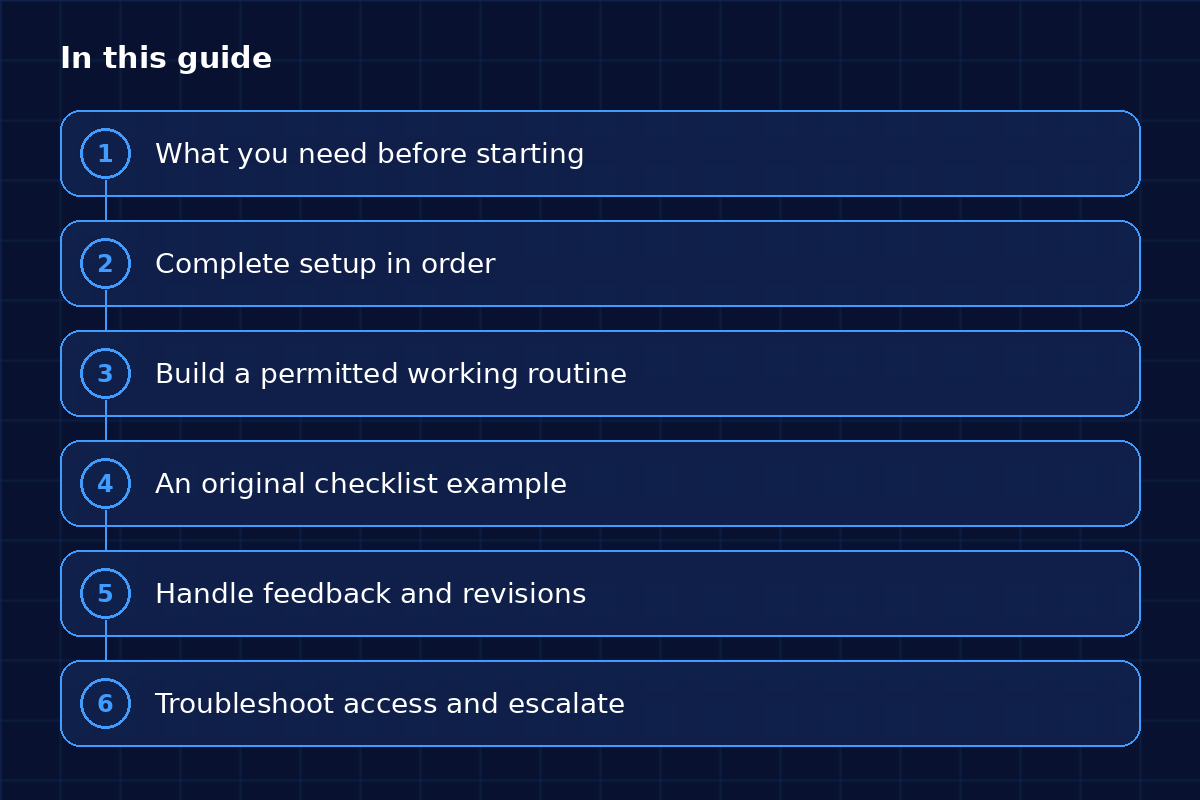
What this guide covers, section by section.

TL;DR
- Log in with the email you applied with, because a mismatch often stops invitations arriving.
- Accept every project and tool invite, and install any tracking software the project asks for.
- Test your access before the day you plan to work.
- Read the project guidelines in full and ask questions before your first task.
- Work in focused blocks of 45 to 90 minutes and track only the time you actually worked.
- Treat feedback as normal: find the guideline it points to and fix the pattern.
What you need before starting
You need five things in place: account access, the project invitation, the required permissions, any tracking or work tools, and the guidelines document. Missing one of them is the usual reason a first day goes nowhere.
Complete AI trainer onboarding in order
Work through these in order, because each step depends on the one before it.
Correct email
Log in with the email you applied with. A mismatch is a common reason invitations never arrive.
Invitations
Accept every project and tool invite as soon as it lands.
Tools
Install the software the project asks for. micro1, for example, documents Hubstaff for time tracking.
Test access
Open the task tool before the day you plan to work, so a login problem does not eat your first session.
Project instructions
Read them from start to finish and note anything unclear. Questions are easier to ask before you start than after your first task is marked down.
Build a permitted working routine
A good routine is simple, and it protects the quality of your work.
Focused blocks
Work in blocks of 45 to 90 minutes with breaks in between. Your judgment gets worse when you are tired, and reviewers can see it.
Accurate time tracking
Track only the time you actually worked.
Quality checks
Reread the instructions before you submit each task.
Communication
Ask your questions in the official project channel, so the answer is on record.
An original checklist example
Run through this before your first three tasks:
- Logged in with the email you applied with
- All invitations accepted
- Tracking tool installed and tested
- Guidelines read, with questions noted
- First three tasks double-checked against the guidelines
Handle feedback and revisions
Feedback is normal, and everyone gets it. Read it, find the guideline it points to and fix the pattern behind it, so the same mistake does not come back in your next ten tasks. If the feedback looks wrong, ask politely and include one specific example.
Troubleshoot access and escalate
If tasks do not appear or your access fails, our guide to empty dashboards and support shows what to check first.
Download the checklist
You will find the setup checklist in the free Starter Kit.
FAQs
What should I do before my first AI training task?
Set up five things in order: log in with the right email, accept every invitation, install required tools, test your access and read the project guidelines in full. Missing one of them is the usual reason a first day goes nowhere.
How long should I work in one session?
Work in focused blocks of 45 to 90 minutes, with breaks in between. Your judgment gets worse when you are tired, and reviewers can see it in your work. Follow any limits your project sets.
What if I think feedback on my work is wrong?
Ask politely in the official project channel and include one specific example. First, find the guideline the feedback points to and reread it. Often the fix is a pattern you can correct across your next tasks.
Where do I ask questions during onboarding?
Ask in the official project channel, so the answer is on record. Questions are easier to ask before you start than after your first task is marked down. If tasks do not appear, read our guide to empty dashboards and support.