














Stuck in AI training with no tasks? An empty dashboard usually comes down to one of five things: an account issue, an unfinished qualification, no matching projects right now, missing project permissions, or a hold related to payouts or verification. Work out which one applies, follow the platform’s documented steps and, if that does not fix it, contact official support with clear details.
Checked: 13 Oct 2026. Independent, not affiliated with any platform. We cannot predict waiting times or account outcomes.
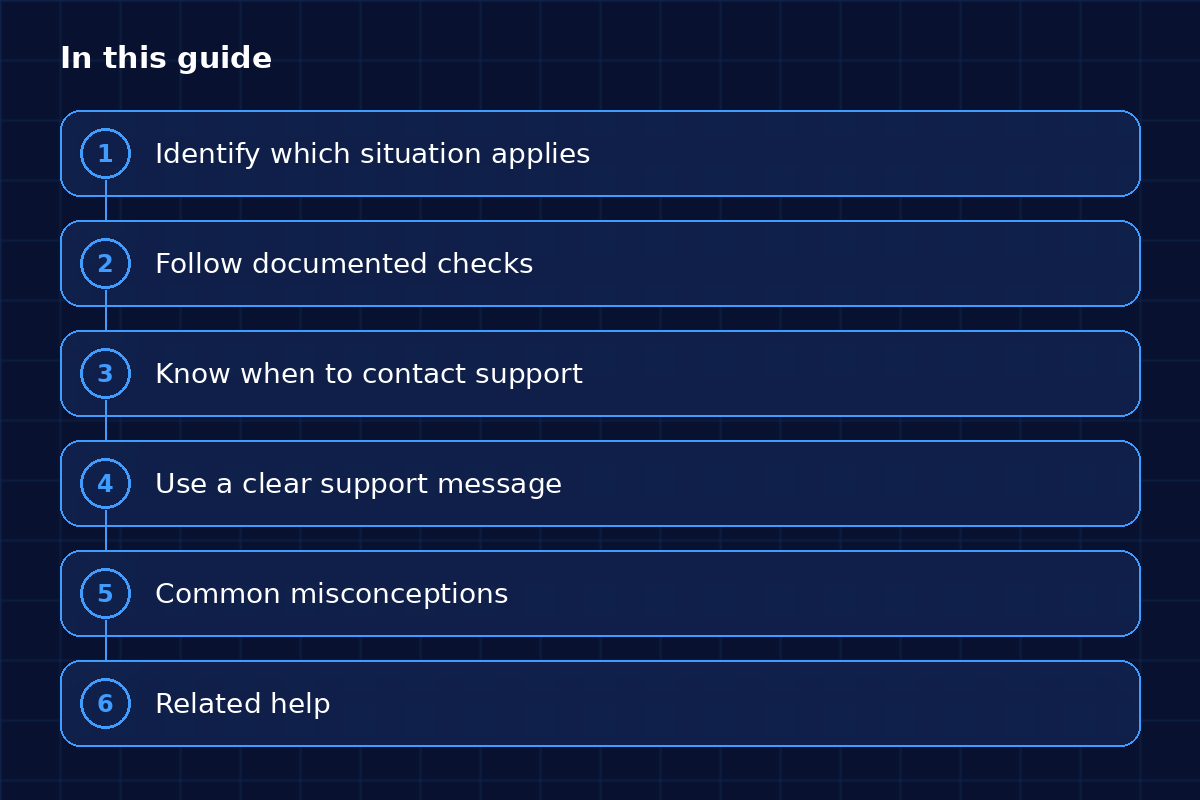
What this guide covers, section by section.
TL;DR
- An empty dashboard usually has one of five causes: account, qualification, queue, project permissions or payout setup.
- Complete every profile field and verification step, and check your email, including spam, for invitations.
- Log out and back in, try another browser and reread the platform’s FAQ for your situation.
- Contact support when a documented check fails, with your account email, dates and what you tried.
- Never share your password, and never open a second account to get more tasks.
AI training with no tasks: identify your situation
Start by matching your dashboard to one of these five situations.
Account
Your profile is incomplete, your email or identity is unverified, or your login has been flagged.
Qualification
You have not taken an assessment yet, or it is still being reviewed.
Queue
You are qualified, but no matching work is available right now. Outlier and DataAnnotation both address project availability in their FAQs (Outlier, DataAnnotation).
Project permissions
You were added to a project, but an invite or tool access is missing.
Payout
Your payment setup or tax forms are incomplete.
Follow documented checks
Work through these in order:
- Complete every profile field and verification step.
- Check your email, including spam, for invitations.
- Log out and back in, then try another browser.
- Reread the platform’s FAQ for your situation.
- Wait a reasonable time after any change before you escalate.
Community forums can help, but treat what you read there as one person’s story and not as platform policy.
Know when to contact support
Contact support when a documented check fails or something looks wrong. Gather your account email, the dates involved, screenshots of any error messages (never of confidential task content) and a list of what you already tried. Never share your password.
Use a clear support message
A short, specific message gets a faster answer. You can copy this one.
Template: Subject: No tasks visible since [date], account [email].
Hi, I completed [assessment/onboarding] on [date]. Since [date] my dashboard shows [exact message]. I have checked my profile and my email invitations, and I tried [browser/device]. Could you confirm whether my account needs any action?
Thanks, [name]
Related help
If this is your first project, read first project setup. While you wait, practise with the Starter Kit.